Crash Game API Integration: What Operators Need Before Launch
Launching a crash game on an existing gaming platform requires more than simply adding a game interface. Operators need a reliable integration that connects the game with player accounts, wallet systems, transaction processing and administrative tools.
Crash games have become a popular category in online gaming platforms because of their simple gameplay format and fast-paced rounds. For businesses planning to introduce this category, choosing the right Crash Game API and understanding the integration process are important first steps.
A well-planned Crash Game API Integration allows operators to connect game functionality with their existing platform without building every game component from scratch.
In this guide, we will explain what operators should prepare before launching a crash game, how game APIs work, how wallet integration is handled and what to consider when selecting a Casino API Provider.
What Is a Crash Game API?
A Crash Game API is a software integration interface that allows gaming platforms to connect crash-style games with their existing websites or mobile applications.
Instead of developing the complete game infrastructure independently, operators can integrate an available game implementation through an API.
A typical Crash Game API integration may include:
- Game launching and player sessions
- Player authentication
- Wallet balance checks
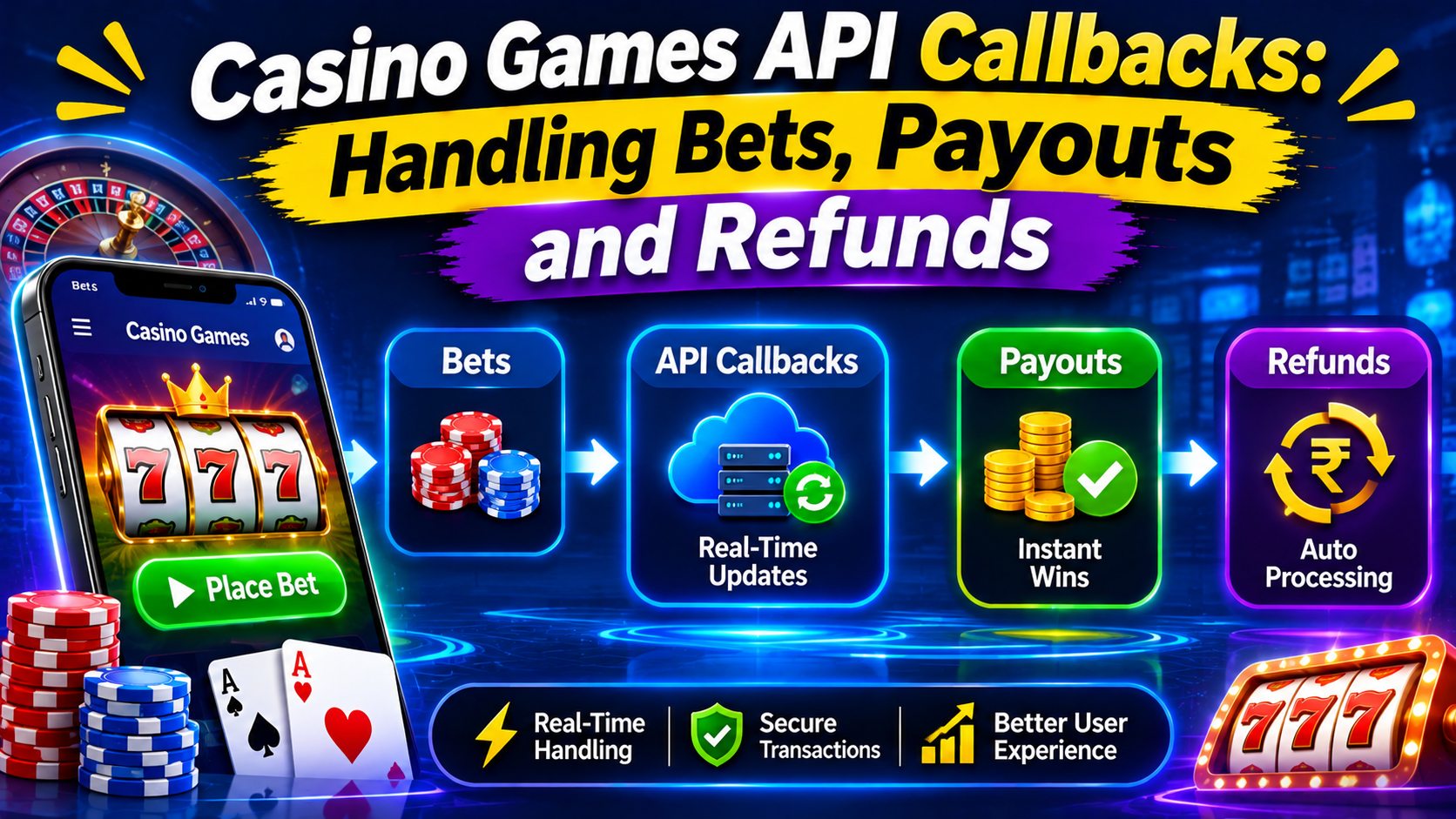
- Bet placement callbacks
- Payout processing
- Refund handling
- Round history
- Game settings
- Administrative controls
- Transaction reporting
These components help connect the game experience with the operator's existing platform.
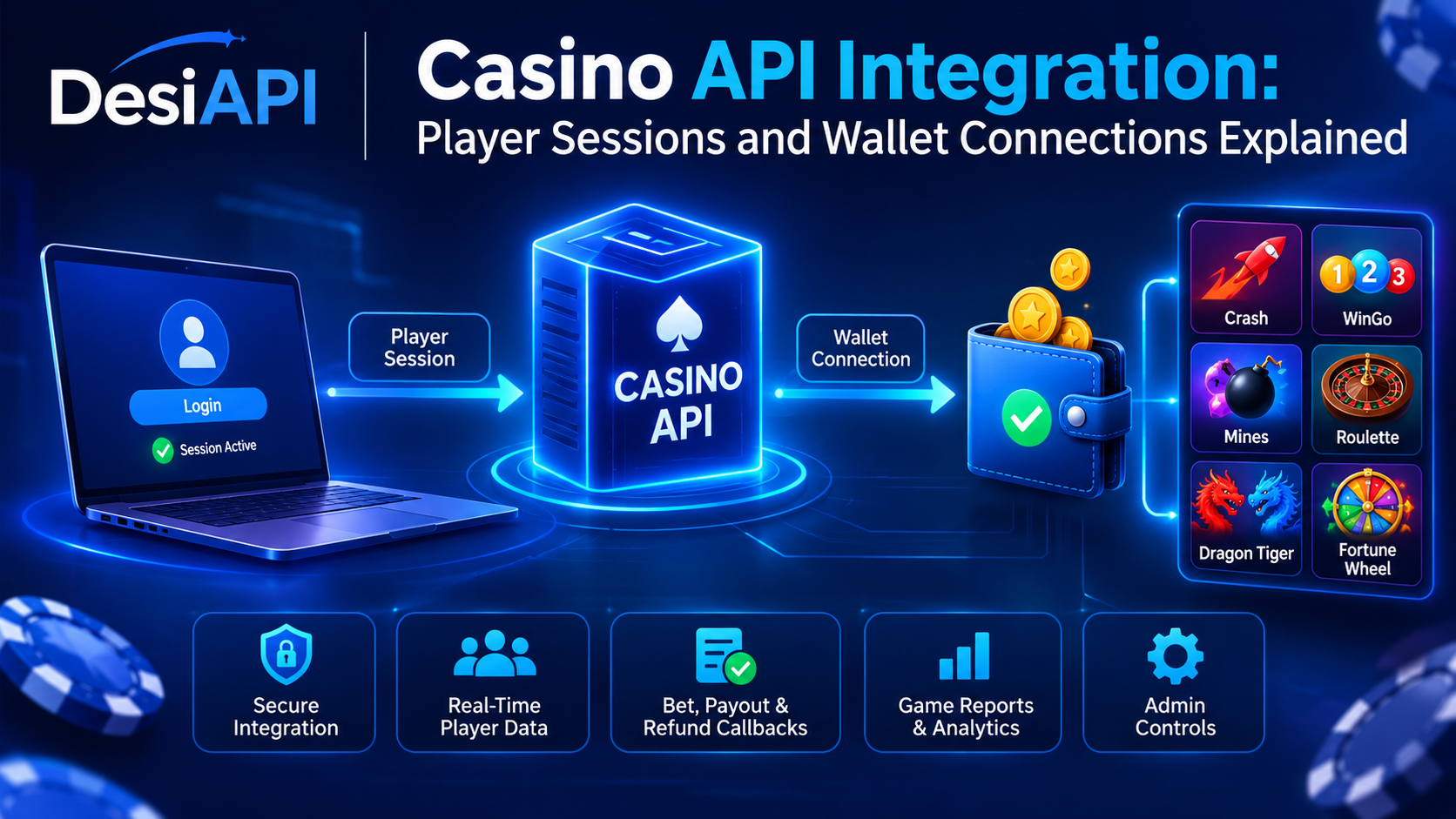
For example, when a player opens a crash game, the integration system can establish a player session, retrieve the available wallet balance and allow the player to participate in supported game rounds.
The game and platform communicate through the integration layer to process relevant transactions.

Why Do Operators Choose Crash Game APIs?
Building an entire gaming platform requires development resources, testing and ongoing maintenance.
A Casino Games API can help operators integrate additional game experiences into their existing platforms.
Here are some reasons businesses consider Crash Game API integration.
1. Faster Game Integration
Operators can connect an available game implementation with their existing website or application through documented integration endpoints.
This can reduce the development work involved in creating every game component independently.
2. Existing Player Accounts
A suitable API integration can connect games with the operator's existing player accounts.
Players may be able to access games using their existing platform credentials rather than creating separate accounts for every game.
3. Wallet Connectivity
Wallet integration allows the game system to communicate with the platform's existing wallet infrastructure.
Balance checks, bet deductions, payouts and refunds can be processed through defined callbacks.
4. Centralised Administration
Administrative tools can help operators manage game settings, review transaction information and monitor game activity.
5. Multiple Game Options
A Casino API Provider may offer different game categories through a common integration structure.
This can help operators expand their platform's game catalogue over time.
What Should Operators Prepare Before Crash Game API Integration?
Before starting a Crash Game API Integration project, operators should understand their existing platform infrastructure.
Preparing these components in advance can make the integration process more organised.
1. Existing Website or Mobile Application
The first requirement is a platform where the crash game will be integrated.
This could be:
- An existing gaming website
- A mobile gaming application
- A browser-based platform
- A custom gaming portal
The operator should understand the platform's technology stack and how external APIs can communicate with its backend.
2. Player Account System
The player account system manages user registration, login and authentication.
During integration, the Casino Games API needs a secure way to identify players.
A player session can contain relevant information required to launch a game and associate gameplay activity with the correct account.
Operators should prepare:
- Unique player IDs
- Session authentication
- Secure session tokens
- Player status checks
- Session expiry handling
The exact requirements depend on the API provider's integration documentation.
3. Wallet System
Wallet integration is one of the most important parts of any real-money gaming integration.
The operator should identify how its existing wallet communicates with external game systems.
A typical wallet integration may support:
- Balance checks
- Bet deductions
- Payout credits
- Refund callbacks
- Transaction references
- Duplicate transaction protection
The wallet should maintain accurate transaction records and prevent incorrect balance updates.
4. API Access and Documentation
Developers need API documentation before starting the integration.
The documentation should explain how to authenticate API requests, create player sessions, launch games and handle wallet callbacks.
It should also include request parameters, response formats, error codes and testing instructions.
5. Testing Environment
Before launching to real users, operators should test the integration using an approved testing environment.
Testing helps identify issues with player sessions, wallet communication, transaction processing and game launching.
How Does Crash Game API Integration Work?
A Crash Game API connects the game implementation with the operator's existing platform.
Although the exact workflow depends on the provider, a typical integration follows several stages.
Step 1: Player Authentication
When a player selects the crash game, the operator's platform identifies the player and generates or validates the required session information.
The integration system uses this information to establish an authorised game session.
Step 2: Game Launch
After successful session validation, the system launches the selected crash game.
The game interface is displayed within the supported website or application environment.
Step 3: Wallet Balance Check
Before processing gameplay transactions, the integration can request the player's available wallet balance from the operator's platform.
The wallet system returns the relevant balance information.
Step 4: Bet Callback
When a player places a bet, the game integration communicates the transaction details to the operator's wallet system through the configured callback.
The platform validates the request and processes the applicable balance deduction.
Step 5: Game Round Processing
The game runs according to its configured gameplay mechanics.
Round information can be maintained for history, reporting and administrative review.
Step 6: Payout Callback
When a round is completed and a payout is due, the integration sends the payout information to the operator's wallet system.
The wallet processes the applicable credit after validating the transaction.
Step 7: Transaction Recording
The platform records the relevant gameplay and wallet transactions.
This helps operators review player activity and investigate transaction-related issues.
Understanding Wallet Integration in Crash Games
Wallet integration is a major consideration when selecting a Casino API Provider.
The game needs to communicate with the operator's existing wallet to process relevant gameplay transactions.
There are different wallet integration approaches, and the right one depends on the operator's platform architecture and API provider.
Balance Check
The game system requests the available player balance from the operator's wallet.
This allows the game to display the relevant balance information.
Bet Processing
When a player places a bet, the integration sends a transaction request to the wallet system.
The wallet checks the request and processes the deduction according to its configured rules.
Payout Processing
When a game round produces a payout, the integration communicates the payout information to the operator's wallet.
The wallet processes the credit and records the transaction.
Refund Processing
In certain situations, such as an eligible failed or cancelled transaction, a refund may need to be processed.
The integration should support appropriate refund handling and transaction references.
Why Transaction IDs Matter
Every transaction should have a unique reference that helps identify the corresponding operation.
Unique transaction IDs are useful for:
- Tracking bet requests
- Identifying payouts
- Preventing duplicate processing
- Investigating failed transactions
- Maintaining wallet records
Developers should also implement idempotency, so repeated callbacks do not accidentally deduct or credit the same transaction more than once.
What Is an Aviator Game API?
An Aviator Game API generally refers to an integration interface for an Aviator-style crash game.
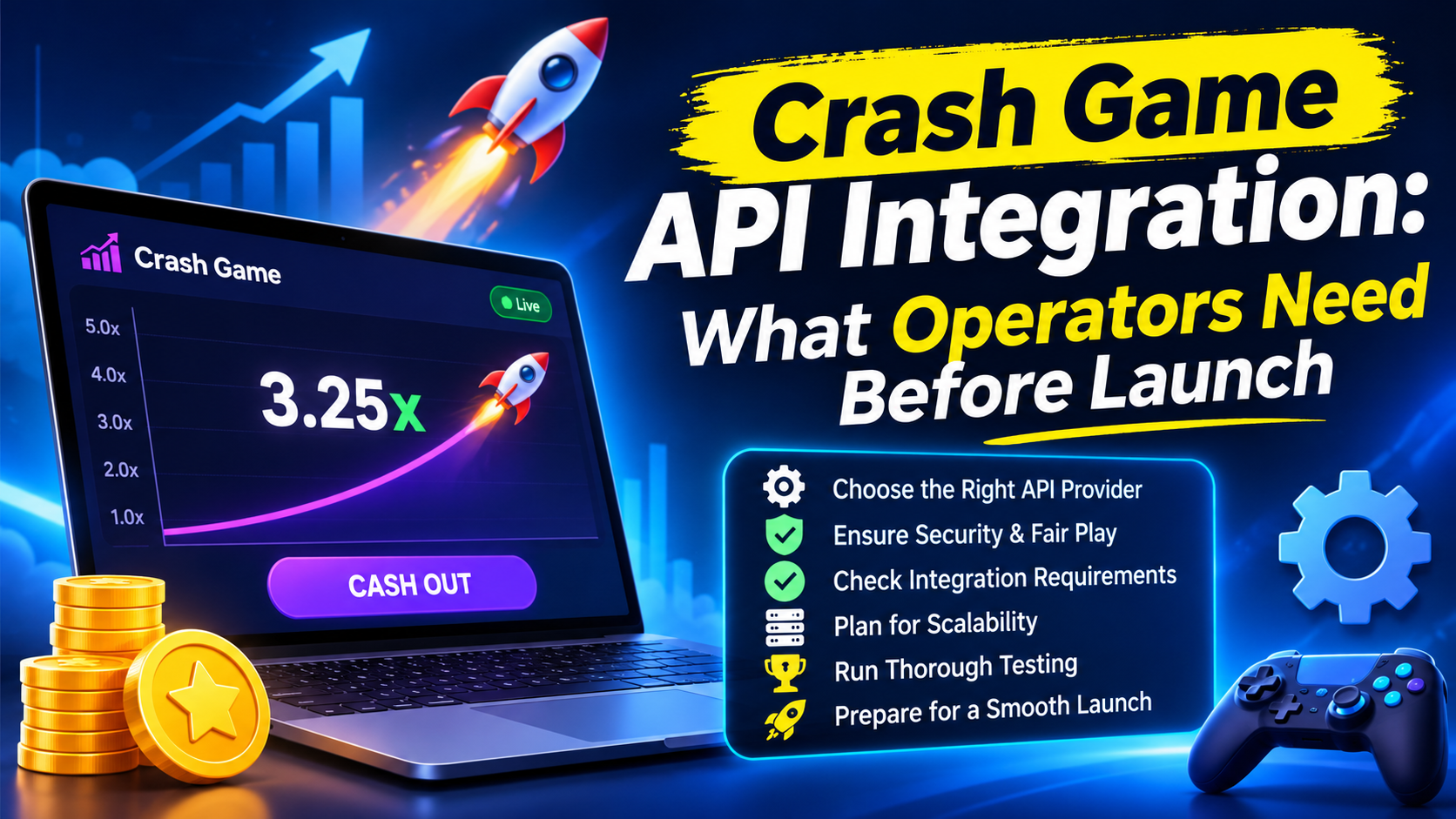
Crash games typically feature a multiplier that increases during a round until the round ends.
Players participate according to the game's rules and available cash-out mechanics.
For operators planning to add crash-style gameplay, an Aviator Game API can provide a way to connect the game with an existing platform.
However, operators should distinguish between an Aviator-style game implementation and the official Aviator product.
When evaluating an API, check:
- Game launch functionality
- Player session support
- Wallet callbacks
- Round history
- Game configuration
- Transaction reporting
- Integration documentation
These features help developers understand whether the game API matches their platform requirements.
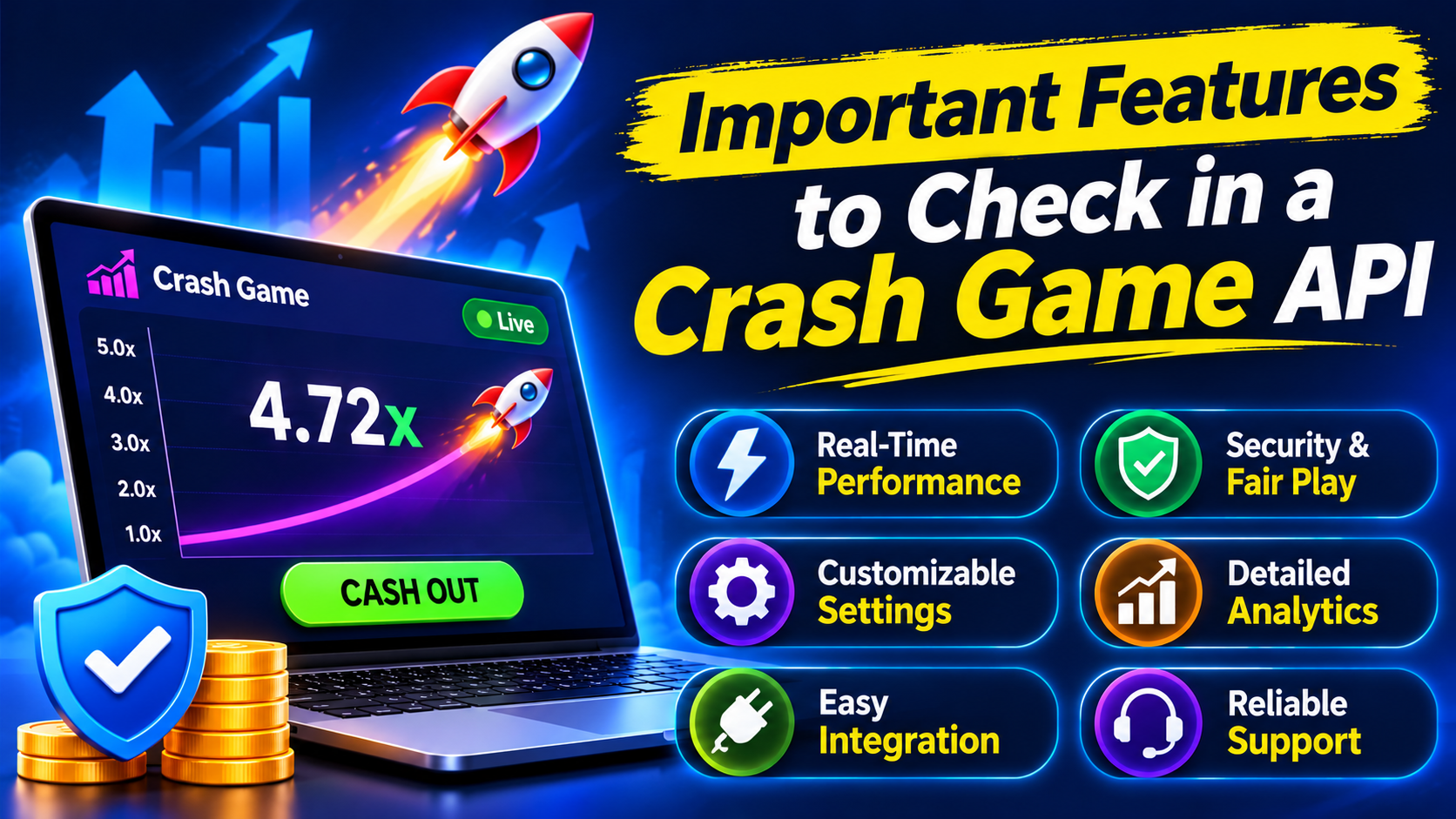
Important Features to Check in a Crash Game API
Not every API integration offers the same functionality.
Before selecting a provider, operators should compare the available features carefully.
| Feature | Why It Matters |
|---|---|
| Player Sessions | Connects gameplay with player accounts |
| Wallet Integration | Supports balance and transaction processing |
| Bet Callbacks | Communicates bet requests |
| Payout Callbacks | Processes eligible game payouts |
| Refund Support | Handles applicable transaction reversals |
| Game Settings | Provides configuration options |
| Round History | Helps review previous rounds |
| Reporting | Supports operational monitoring |
| Admin Controls | Helps manage game-related settings |
| API Documentation | Guides developers during integration |
A well-documented Casino Games API can make the development process easier to understand and maintain.
Common Challenges During Crash Game API Integration
Even when an API provides the required functionality, developers may encounter integration challenges.
Understanding these issues before launch can help reduce unnecessary delays.
1. Incorrect Player Session Handling
If player sessions are not validated correctly, users may experience game launch failures or authentication problems.
Developers should test session creation, expiry and validation.
2. Wallet Balance Mismatch
Incorrect wallet callbacks can result in differences between the game balance and the platform balance.
Every balance-related request should be validated and recorded.
3. Duplicate Transactions
Repeated API requests or callback retries can sometimes result in duplicate transaction attempts.
Implementing unique transaction references and idempotency checks helps prevent this problem.
4. Callback Failures
If the operator's wallet server is unavailable, callbacks may fail.
The integration should define suitable retry rules, timeout handling and reconciliation procedures.
5. Incomplete Testing
Launching without testing all important transaction scenarios can create avoidable problems.
Developers should test successful, failed, pending and repeated transaction requests before production deployment.
How to Test a Crash Game API Before Launch
Testing is an essential part of the integration process.
Operators and developers should verify that the game works correctly with the existing platform before making it available to users.
Here are some important testing areas.
Player Session Testing
- Verify successful session creation.
- Test invalid session requests.
- Check expired session handling.
- Confirm that the correct player is connected.
Wallet Testing
- Test balance check requests.
- Verify bet deductions.
- Test payout callbacks.
- Check eligible refund scenarios.
- Confirm transaction references.
Game Testing
- Verify that the game launches correctly.
- Check game settings.
- Review round history.
- Test supported game functionality.
API Testing
- Validate API authentication.
- Test response formats.
- Check error handling.
- Verify callback security.
- Test repeated requests.
Operators should use a dedicated testing environment and virtual credits where provided. Production testing should follow the provider's approved procedures.
Crash Game API vs Building a Game From Scratch
Operators planning to add crash games generally have two approaches: build their own game implementation or integrate an available Crash Game API.
Both approaches have different development requirements.
| Comparison | Crash Game API | Custom Game Development |
|---|---|---|
| Development approach | Integrate an existing implementation | Build the game independently |
| Initial development work | Depends on API readiness | Generally more extensive |
| Game functionality | Depends on provider | Built according to requirements |
| Wallet integration | Through supported callbacks | Must be developed |
| Maintenance | Shared according to provider arrangement | Managed by development team |
| Customisation | Depends on available settings | Greater development control |
For businesses that want to add an available game implementation to an existing platform, API integration may be a practical approach.
For businesses requiring complete control over every game component, custom development may be more suitable.
How to Choose the Right Casino API Provider
Selecting a Casino API Provider is an important decision for gaming platform owners and software companies.
Before finalising a provider, evaluate the following areas:
1. Game Catalogue
Check whether the provider offers the game categories you need.
Some platforms focus on crash games, while others provide multiple categories, such as Mines, Roulette and Dragon Tiger.
2. Integration Documentation
Good documentation should explain API endpoints, authentication, callbacks and error handling.
3. Wallet Compatibility
Check whether the API can connect with your existing wallet architecture.
4. Administration Tools
Review the available controls for game settings, round history and transaction reporting.
5. Testing Options
A public demo or virtual-credit testing environment can help you understand the gameplay before starting a full integration.
6. Technical Support
Ask about developer support, integration assistance and issue resolution procedures.
7. Security and Compliance
Review authentication, transaction validation, data protection and applicable legal requirements in your target markets.
Explore Crash Game API Solutions with DesiAPI
DesiAPI provides its own game implementations and API solutions designed for businesses looking to integrate games into their existing websites and applications.
The platform is intended for gaming platform owners, operators, software development companies and developers who need game integration solutions.
Instead of building every game component independently, businesses can explore DesiAPI's available games and integration capabilities.
Crash Game Integration
DesiAPI offers an Aviator-style Crash game implementation that businesses can explore for integration into their existing platforms.
Player Session Integration
Connect gameplay with existing player accounts through supported player session functionality.
Wallet Connectivity
The integration supports wallet-related operations, including balance checks and callbacks for bets, payouts and refunds.
Game Administration
Administrative functionality helps operators manage available game settings and review relevant game information.
Round History and Reporting
Access round-related information and reporting tools to review game activity.
Public Game Demos
DesiAPI provides public game demos with virtual credits so businesses can explore the available gameplay before discussing integration.
Multiple Game Categories
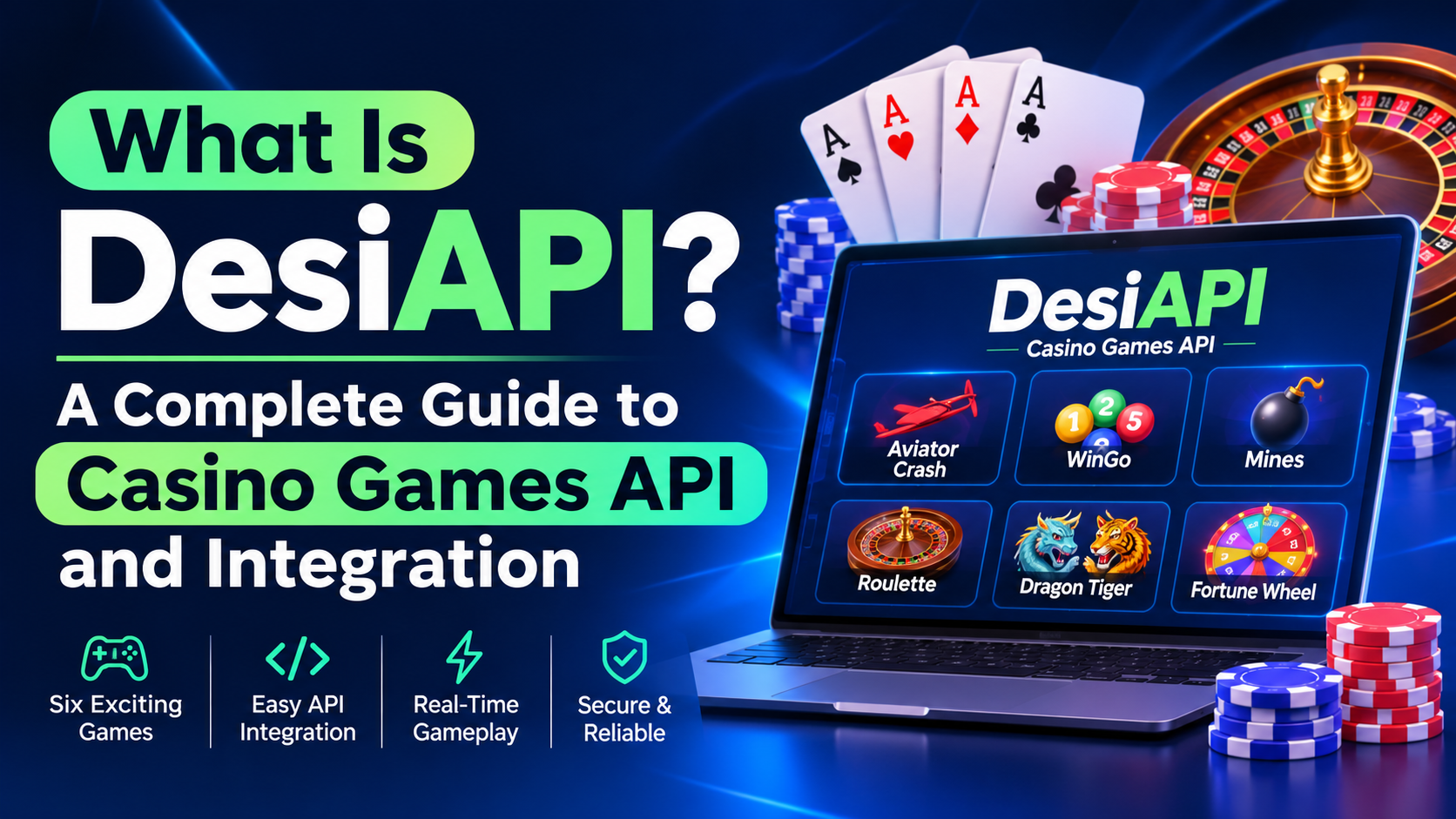
In addition to crash-style gameplay, DesiAPI offers six game implementations:
Aviator Game Online — Crash Smarter
1. Aviator-Style Crash
A multiplier-based crash game experience.
How to play WinGo 1 Min Given values: Numbers: 1 2 9 9 8 Time remaining:..
2. WinGo
A colour and number prediction game format.
Stake Mines Strategies: Odds and Payouts
3. Mines
A grid-based game experience.
Best Online Casinos in South Africa 2026 | 20+ Sites Tested
4. Roulette
A digital roulette-style table game.
5. Dragon Tiger
A card-based game experience.
Spinning wheel for slots! :: Behance
6. Fortune Wheel
A digital spinning wheel game.
Businesses interested in adding these games to their platforms can explore the available demos and contact DesiAPI to discuss integration requirements.
Frequently Asked Questions (FAQs)
1. What is a Crash Game API?
A Crash Game API is an integration interface that allows gaming platforms to connect crash-style games with their existing websites or applications.
2. What is Crash Game API Integration?
Crash Game API Integration is the process of connecting a crash game with an existing platform, including player sessions, wallet communication, game launching and transaction callbacks.
3. What is an Aviator Game API?
An Aviator Game API generally refers to an API integration for an Aviator-style crash game. It allows operators to connect the game with their platform through supported integration functionality.
4. How does wallet integration work in crash games?
Wallet integration connects the game system with the operator's existing wallet. It supports operations such as balance checks, bet deductions, payouts and eligible refunds through configured callbacks.
5. Can a Crash Game API connect with existing player accounts?
Yes. A supported integration can use player sessions and unique player IDs to connect gameplay with an operator's existing account system.
6. What should developers check before integrating a Crash Game API?
Developers should review API documentation, authentication, player sessions, wallet callbacks, transaction references, error handling and testing options.
7. Can operators test a game before integration?
Some providers offer public demos or testing environments with virtual credits. DesiAPI also provides public game demos with virtual credits.
8. What is the difference between a Crash Game API and a Casino Games API?
A Crash Game API focuses on crash-style games, while a Casino Games API can cover multiple game categories, including crash, Mines, Roulette, Dragon Tiger and other supported games.
9. Does DesiAPI provide its own game implementations?
Yes. DesiAPI provides its own game implementations that businesses can explore for integration into existing websites and applications.
10. Who can use DesiAPI's game API solutions?
Gaming platform owners, operators, software development companies and developers looking to integrate games into their existing platforms can explore DesiAPI's solutions, subject to applicable legal and operational requirements.
Conclusion
Crash Game API integration involves more than connecting a game interface to a website. Operators need to consider player authentication, wallet communication, bet processing, payouts, refunds, transaction records and administrative functionality before launching.
A properly planned integration can make it easier to connect game functionality with an existing platform and maintain an organised development workflow.
If you are planning to add crash-style games to your gaming platform, understanding these technical requirements can help you make a more informed decision when selecting a Casino API Provider.
**Explore DesiAPI at https://desiapi.com/** to view available game demos and learn more about Casino Games API integration.
Review the Casino API integration flow, explore API pricing and quote requirements, or send your project brief to DesiAPI.